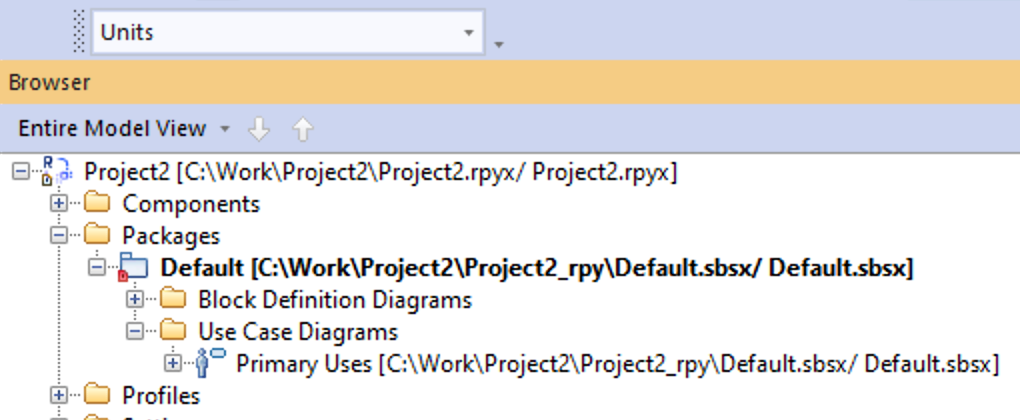
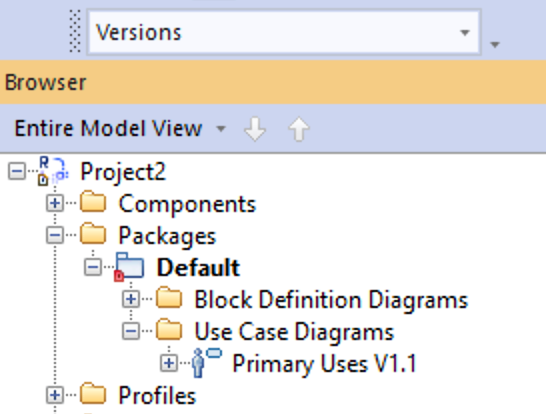
Annotating Model Elements in the Browser
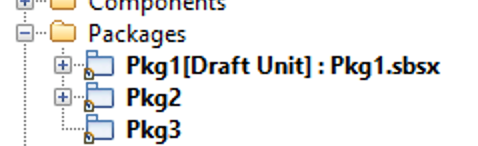
Rhapsody has had the ability to annotate model browser elements with graphics for a while now (it requires the use of Java to apply Decorations) but Rhapsody 10 introduced a new feature to allow the displayed name to be controlled using a property - no java required.
The property is Browser.Settings.TreeNodeTextFormat which has a default value of $NodePlainText (a keyword that means 'use the default display text').
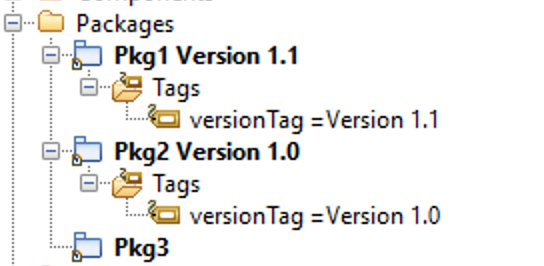
You can modify that to use additional / alternative text - any text you add other than the keyword will simply be displayed. But to really use the power of this new feature you can use Conditional Properties. For example the following property displays the usual name and if the model element has a tag called versionTag then it displays that tag value as a suffix:
Property TreeNodeTextFormat String "?<IsConditionalProperty>$NodePlainText $<Tag::versionTag>"
Like this:
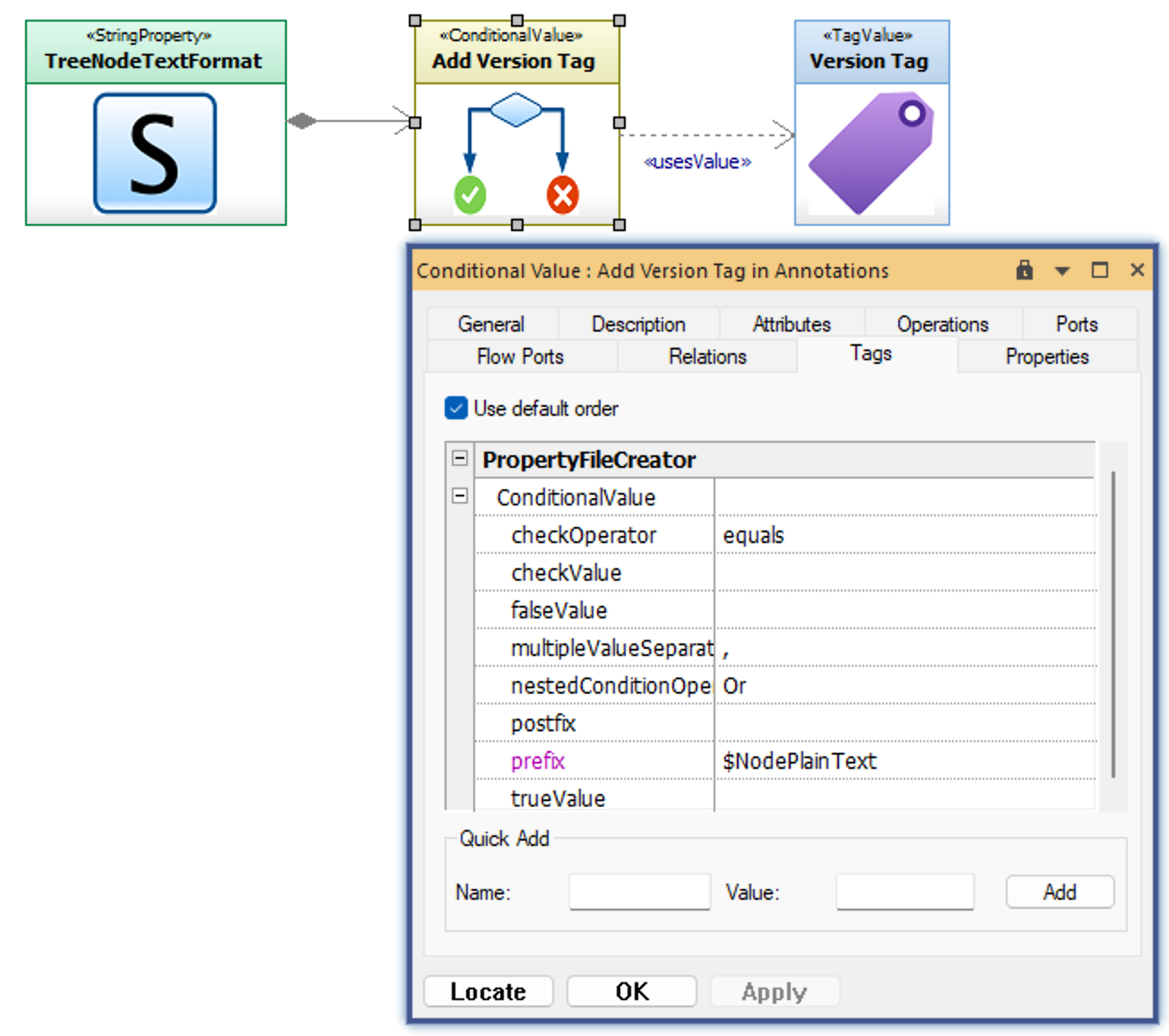
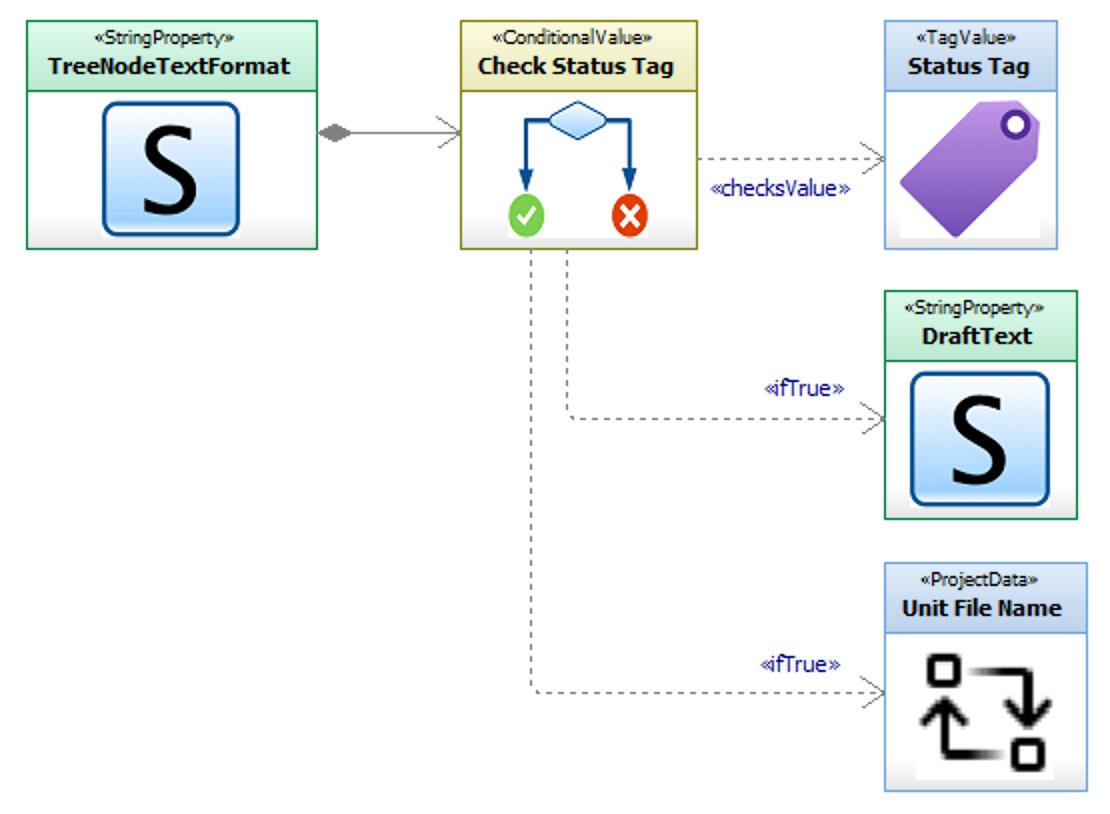
Of course Conditional Properties are not at all fun to write, especially if you want to do something more complex like using if..else conditions, environment variables, project data, perspectives and so on - unless of course you have the Profile Builder which allows you to model them quickly and easily :)
Simple Case:
Slightly More Complex Case:
Perspectives: