Viewpoints in Queries
Viewpoints in Rhapsody
Views and Viewpoints are part of the SysML Profile and on the surface they seem kind of pointless since they don't do anything - or do they?
Did you know you can use a Viewpoint in a query? (Which can then be used in tables or to filter the model browser / diagrams). Queries (and table layouts since the dialog is unified) have a field for Viewpoints:

Constructing Viewpoints
To create a Viewpoint simply add one in the model (either in a package or in a View which is nothing more than a new term based on package) and then add the elements that conform to it using a <<conform>> dependency:
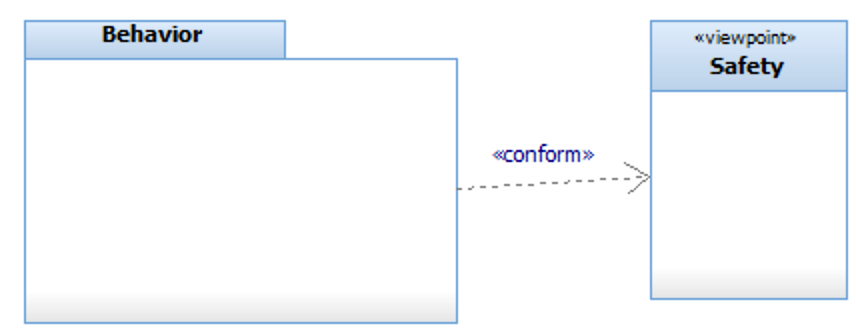
You can have as many <<conform>> dependencies as you want. The query result then returns any element that conforms to the viewpoint, and all of its children, and the viewpoint and any of the <<conform>> dependencies.
You can also use a stereotype instead of / in addition to regular model elements.Which is great for your own stereotypes but no so great for predefined ones like <<Block>> which are read-only (in fact this entire mechanism really should have been implemented the other way around - so viewpoints are a perspective on the model without having to change the model elements themselves).
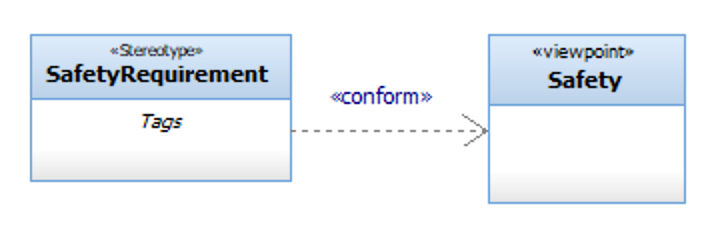
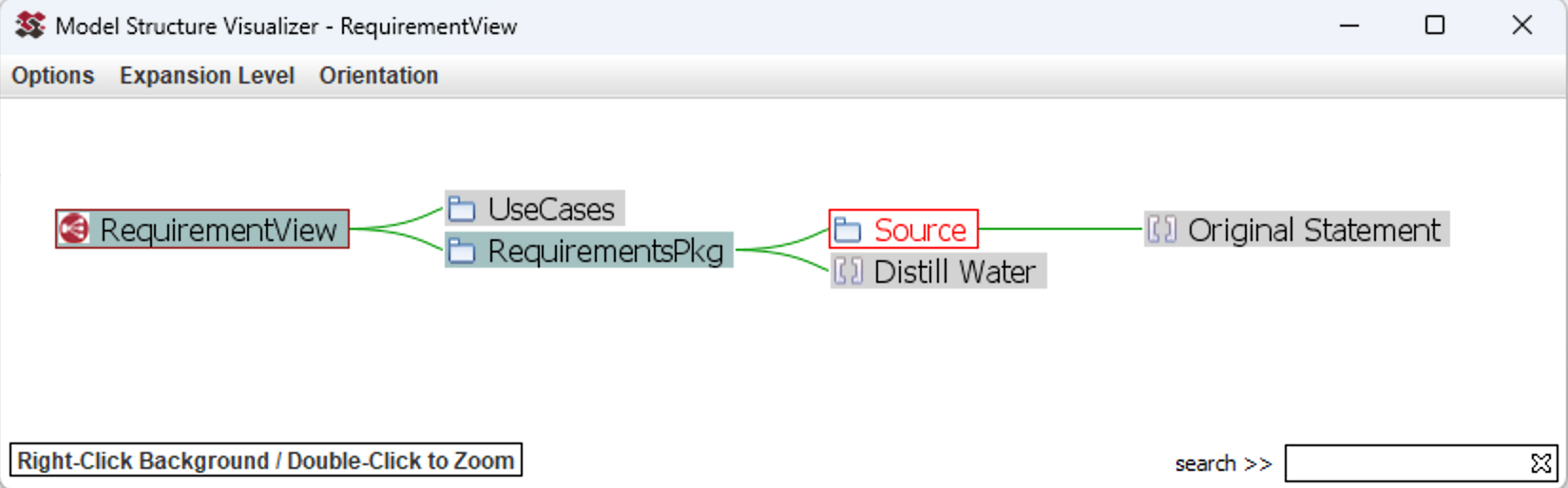
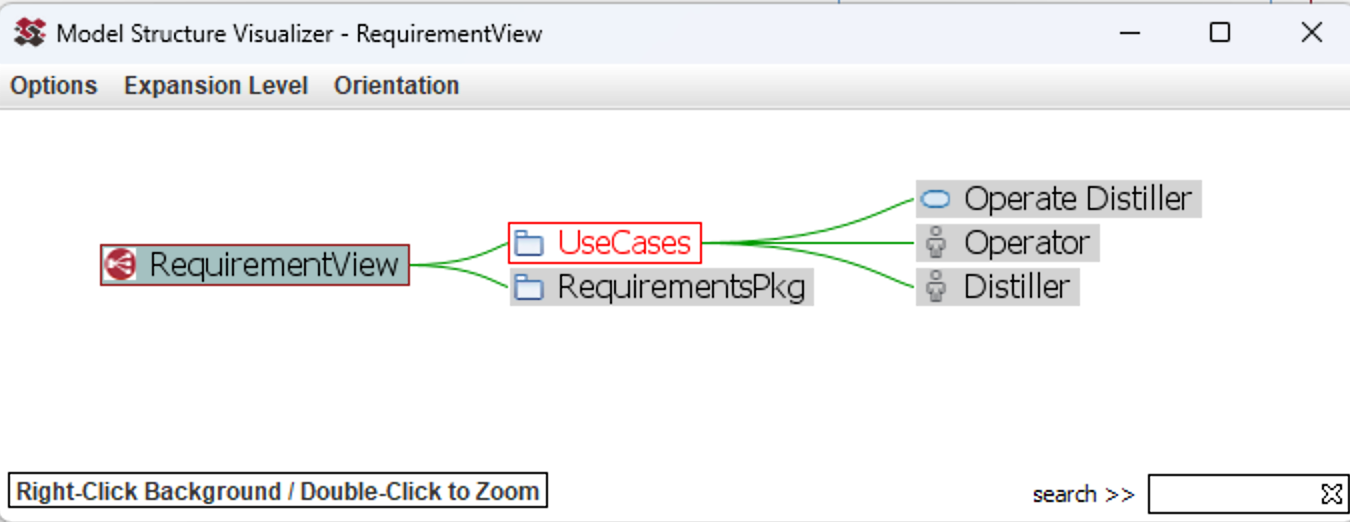
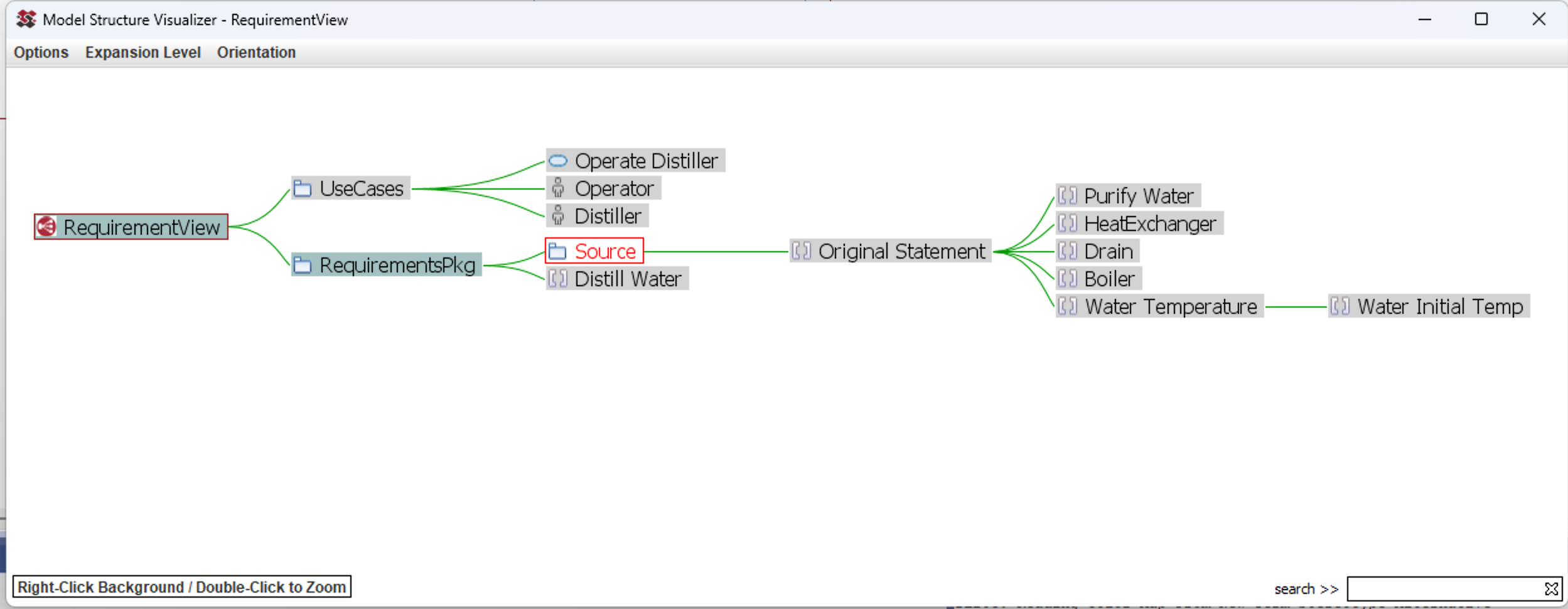
Any elements that have that stereotype will be then be included in the query result (along with their children) and the stereotype. And because of the way that Rhapsody displays elements in the browser - all of their parents as well:
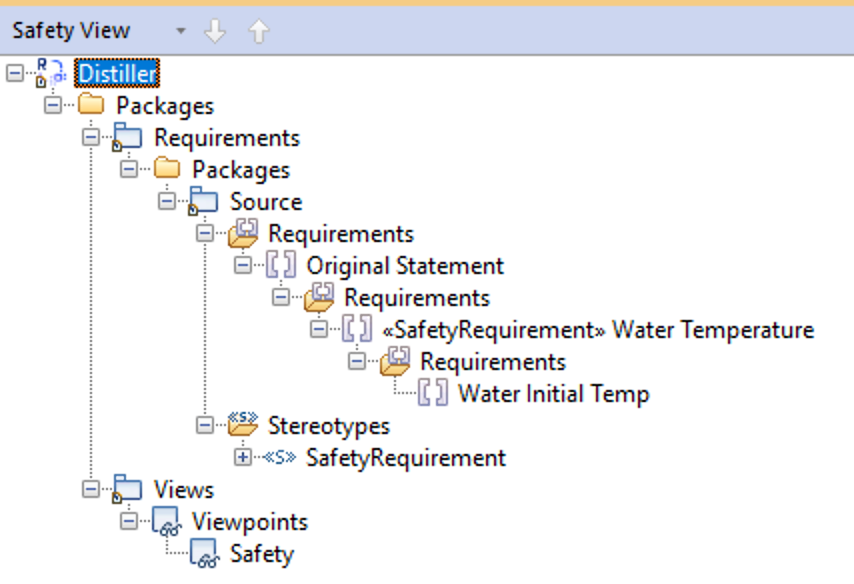
So Viewpoints are not totally useless but you have to modify the model elements in the viewpoint to use them and they do include elements you may not want to see. The Model Visualizer in my Power Pack solves both of those problems by having a Visualization point at the elements you want to include (the Scope) along with filters - which can be simple type lists or queries and supports black / whitelists (so either 'include everything but this' or 'only include this'). Because it uses queries you can use any query feature supported by Rhapsody such as 'has a tag with this value')
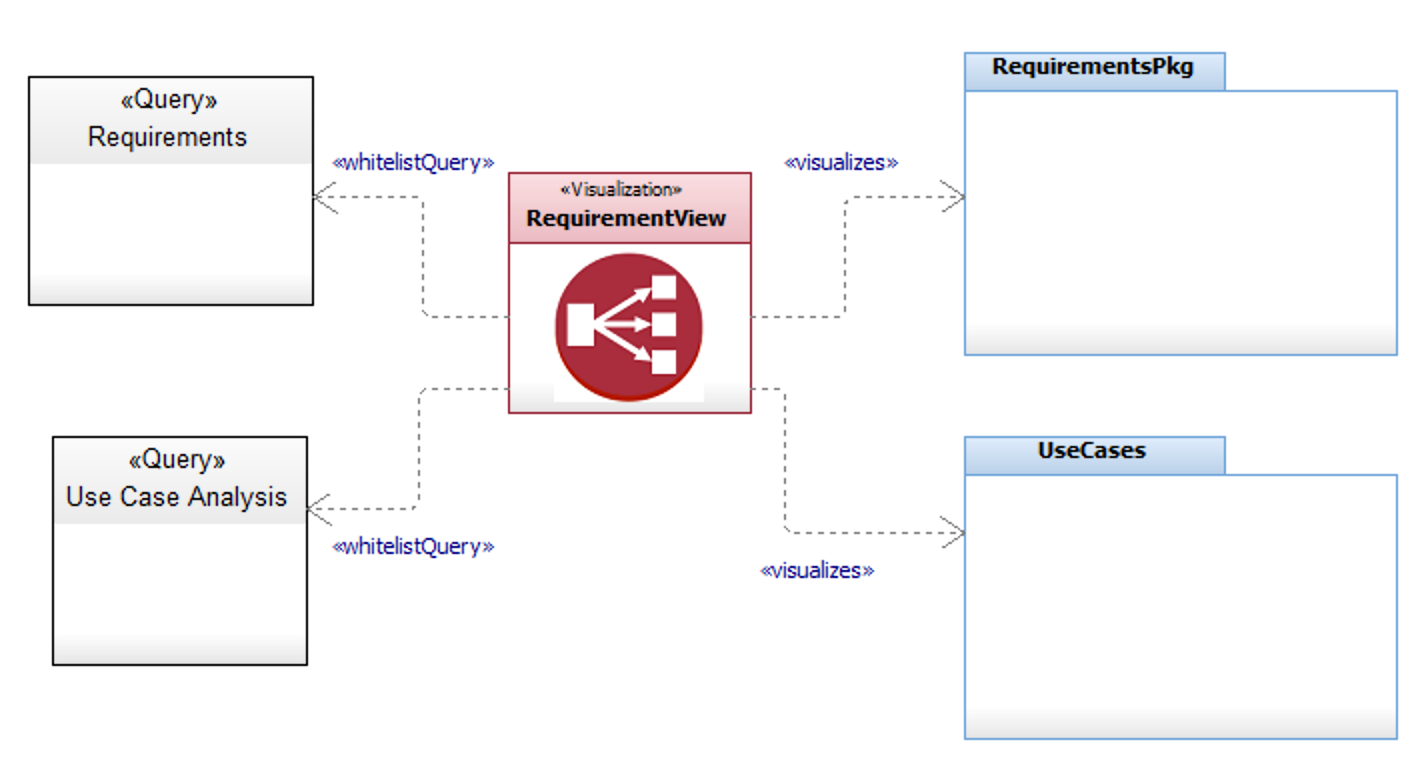
You can then launch a dynamic visualization engine to browse the filtered model (and of course you can navigate back to Rhapsody from any node in the graph):